 Start 7-day free trial
Windows photo organiser
The local catalogue these tools run in.
Duplicate photos
Picca groups files with the same contents, and can also rank stills that look alike. Review groups in the catalogue. Files stay on disk until you remove them.
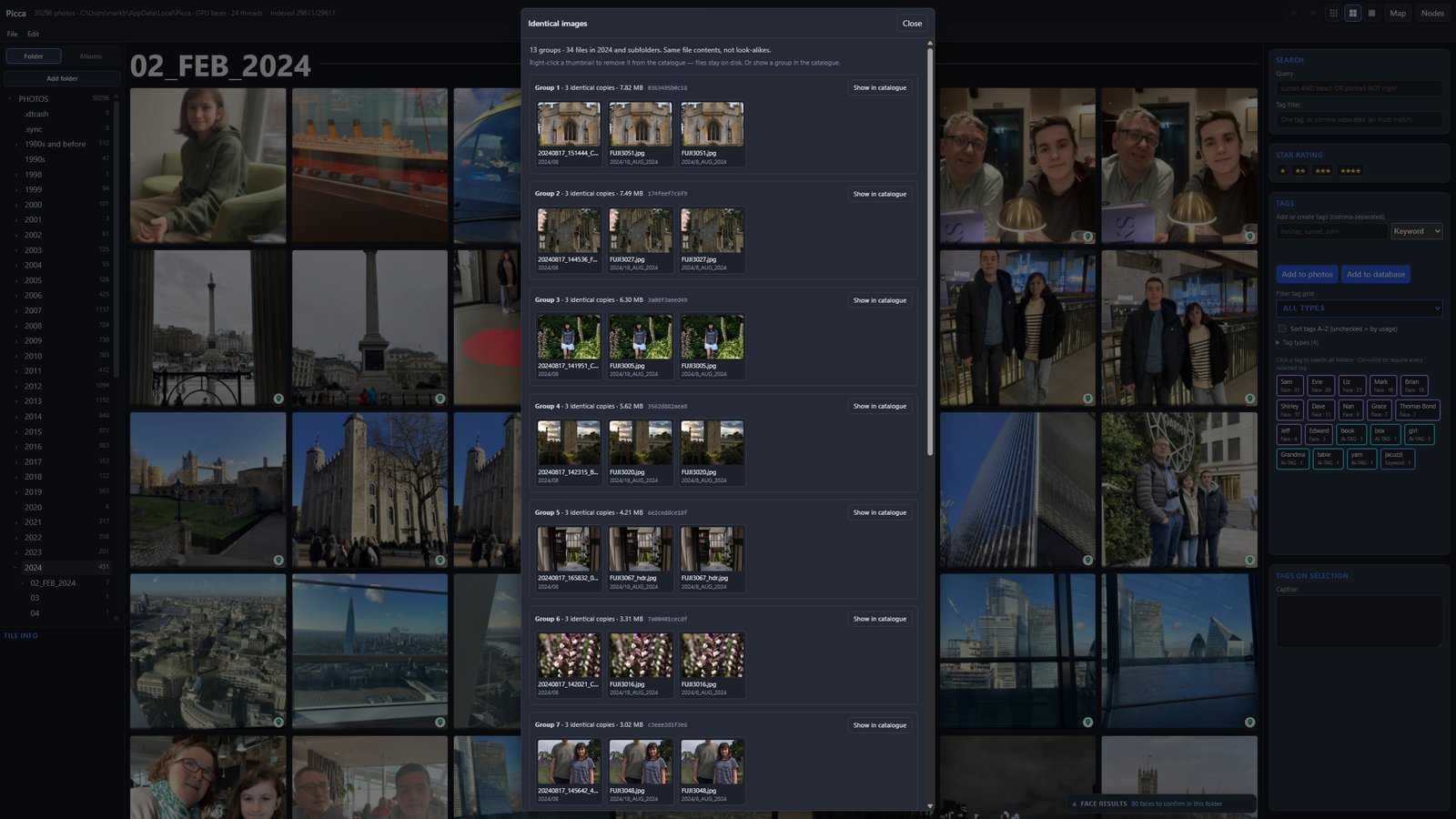
Two tools
Use Find duplicate images when you want the same file twice — a copy in another folder, a leftover export. Use Find similar photos when you want the same scene, a burst, or a reprint that is not a byte-for-byte copy.
Questions
No. You can drop extras from the catalogue; the files stay on disk until you delete them.
Duplicates are identical file contents. Similar photos are stills that look alike. Videos are skipped for look-alike search.
No. Grouping and look-alike search run locally. A look-alike model, if downloaded, stays on this computer.
The 7-day trial includes duplicate finding and look-alike search. £4.99 once if you keep Picca.
 7-day free trial · then £4.99 once